
Duplicate and recover projects
Cloning a project
Section titled “Cloning a project”Open the workspace panel (click the workspace name in the toolbar) and click Clone on a project card. You get an independent copy named ”… copy” in the same workspace, with:
- every conversation, actor, item, place, variable and custom field;
- every attached media file, copied so the two projects never share or invalidate each other’s assets;
- canvas layout, collapsed state and node colours.
The clone starts its own history — it does not inherit the original’s snapshots or reviewer notes’ resolution state as your history, though the notes themselves are part of the project data and come along.
Reasons to clone:
- A variation. Try the “the captain is the villain” version of Act 2 without touching the version the team is playing.
- A template. Keep a project with your studio’s actors, custom field templates and emphasis styles already set up, and clone it for each new scene.
- A safe copy before a big import. Importing a file over a project replaces it; clone first if you are not certain.
Cloning a single conversation inside a project is separate: open the conversation’s properties in Convos and click Duplicate.
Deleting — and getting it back
Section titled “Deleting — and getting it back”Trash on a project card moves the project to the workspace’s Trash. It disappears from the project list and from everyone’s editors, but nothing is destroyed.
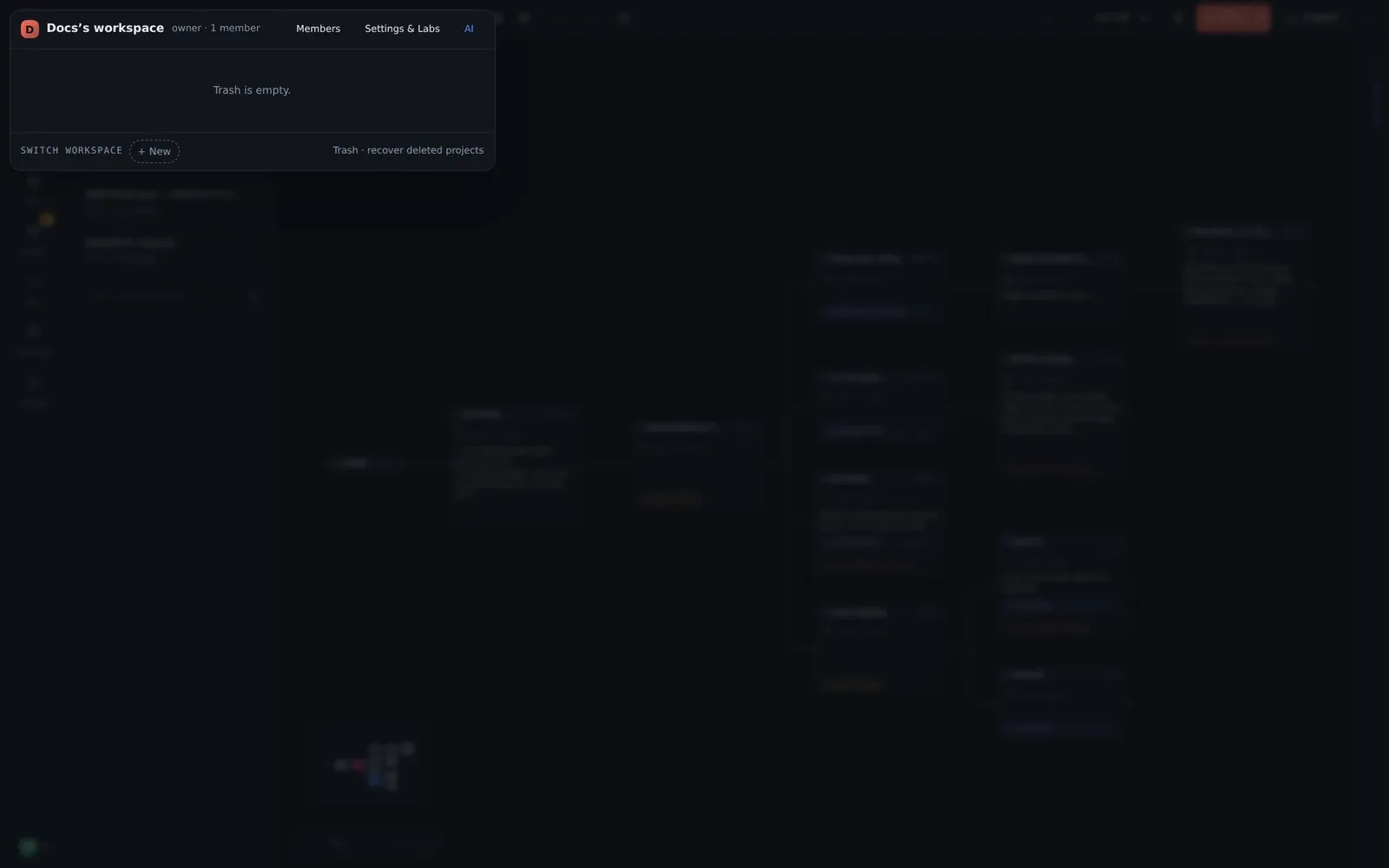
Trash · recover deleted projects at the foot of the workspace panel lists what is there, with the date it was deleted. Each entry offers:
- Restore — the project returns to the list exactly as it was, history and media included.
- Delete permanently — gone for good, immediately.
Projects are retained in the Trash for 30 days, then purged automatically. Restoring and permanent deletion are admin actions.
What “recover” covers
Section titled “What “recover” covers”| You want back… | Use |
|---|---|
| A line you just changed | Ctrl+Z |
| A branch deleted an hour ago | History → Restore a snapshot |
| The version you sent to review last week | History → the snapshot you noted |
| A project someone deleted | Trash → Restore |
| A project as it was before an import replaced it | History → auto: session start from before the import |